SOFTWARE SUPPORT / NODE-RED
Node reference
Find the purpose, example nodes and configuration checks for each category.
Common nodes
Trigger a message, inspect its contents and observe errors or state changes.
InjectDebugCatchStatusCompleteLinkCommentStart with Inject and Debug. Configure Catch for errors reported by nodes, and inspect Status separately.
Hardware nodes
Connect the flow to supported serial ports and hardware interfaces.
Serial inSerial outSerial requestGPIOMatch wiring and serial settings. One physical serial port has one owner; GPIO availability and pin mapping depend on the hardware.
Function nodes
Transform values, route messages and control when information is emitted.
FunctionChangeSwitchRangeDelayTriggerRBETemplateValidate types before scaling. Rate limits and delays are not a persistent offline message queue.
Network nodes
Exchange messages with a broker, service or application.
MQTT inMQTT outHTTP inHTTP responseHTTP requestWebSocketTCPUDPConfigure the endpoint, credentials and required TLS settings. Confirm the result at the receiver, not only in Debug.
Sequence nodes
Split, collect, order and group related messages.
SplitJoinSortBatchPreserve sequence metadata and define the completion condition. Bound batch size and waiting time.
Parser nodes
Convert structured text into message properties and back.
JSONCSVXMLYAMLCheck the actual payload type and encoding. A format parser does not interpret an undocumented industrial protocol.
Storage nodes
Read files, write records and retain selected application state.
FileFile inContextChoose the permitted storage path, capacity and retention policy. Memory context is not durable storage.
Advanced nodes
Add industrial acquisition and management with compatible packages.
Modbus ReadModbus GetterModbus WriteSNMPModbus and SNMP integrations are available in the documented runtime. Confirm installed versions, device roles, point types and write authorization.
PLC nodes & integration
Bring verified PLC readings into a flow for processing and reporting.
PLC acquisitionMQTT inPayload mappingUse the delivered PLC acquisition service or a verified compatible node. Confirm the PLC model and driver; Modbus support is not universal PLC support.
CNC integration
Connect machine data through an agreed controller interface.
CNC controllerProtocol adapterNode-RED flowProvide the machine and controller model, API or protocol, data list and permissions. CNC connectivity is assessed as a project integration.
IEC104 integration
Reuse a confirmed IEC104 data path in a local application.
IEC104 serviceMessage mappingNode-RED flowAgree the master or slave role, point addressing and command feedback with the delivered service. A gateway IEC104 function does not by itself provide a Node-RED node.
BACnet integration
Plan a building-equipment data path around the actual BACnet interface.
BACnet equipmentProtocol adapterNode-RED flowConfirm BACnet/IP or MS/TP, objects, instances and read/write scope. BACnet connectivity is assessed as a project integration.
OPC UA nodes
Work with OPC UA endpoints, nodes and application data.
OpcUa-ItemOpcUa-ClientOpcUa-BrowserOpcUa-ServerOPC UA integration is available in the documented runtime. Check endpoint security, certificates, NodeIds and installed node help on the delivered unit.
History & trends
Turn readings into time-stamped records and useful trends.
TimestampFileDashboardDefine timestamps, retention, restart behavior and storage limits. A chart, context store and historical database serve different purposes.
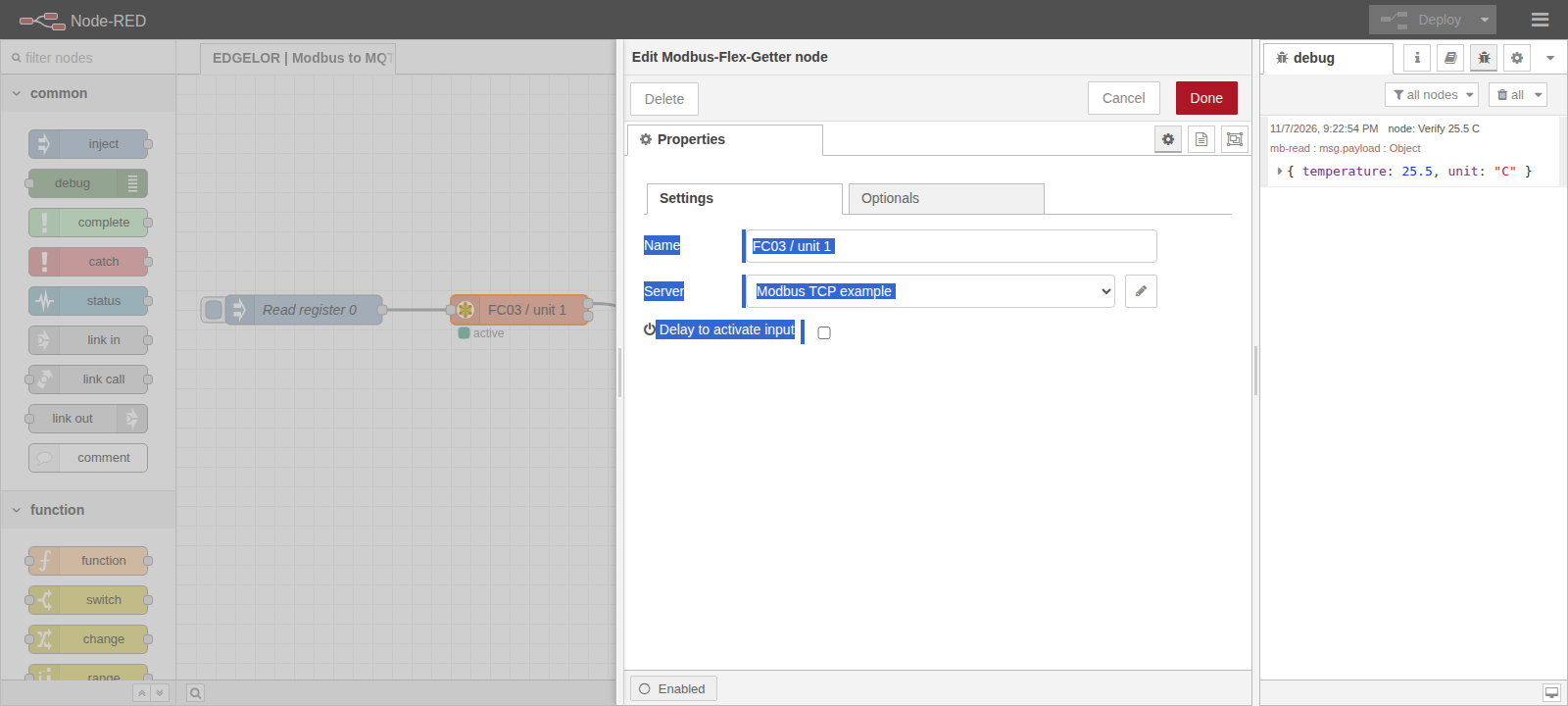 Enlarge diagram +
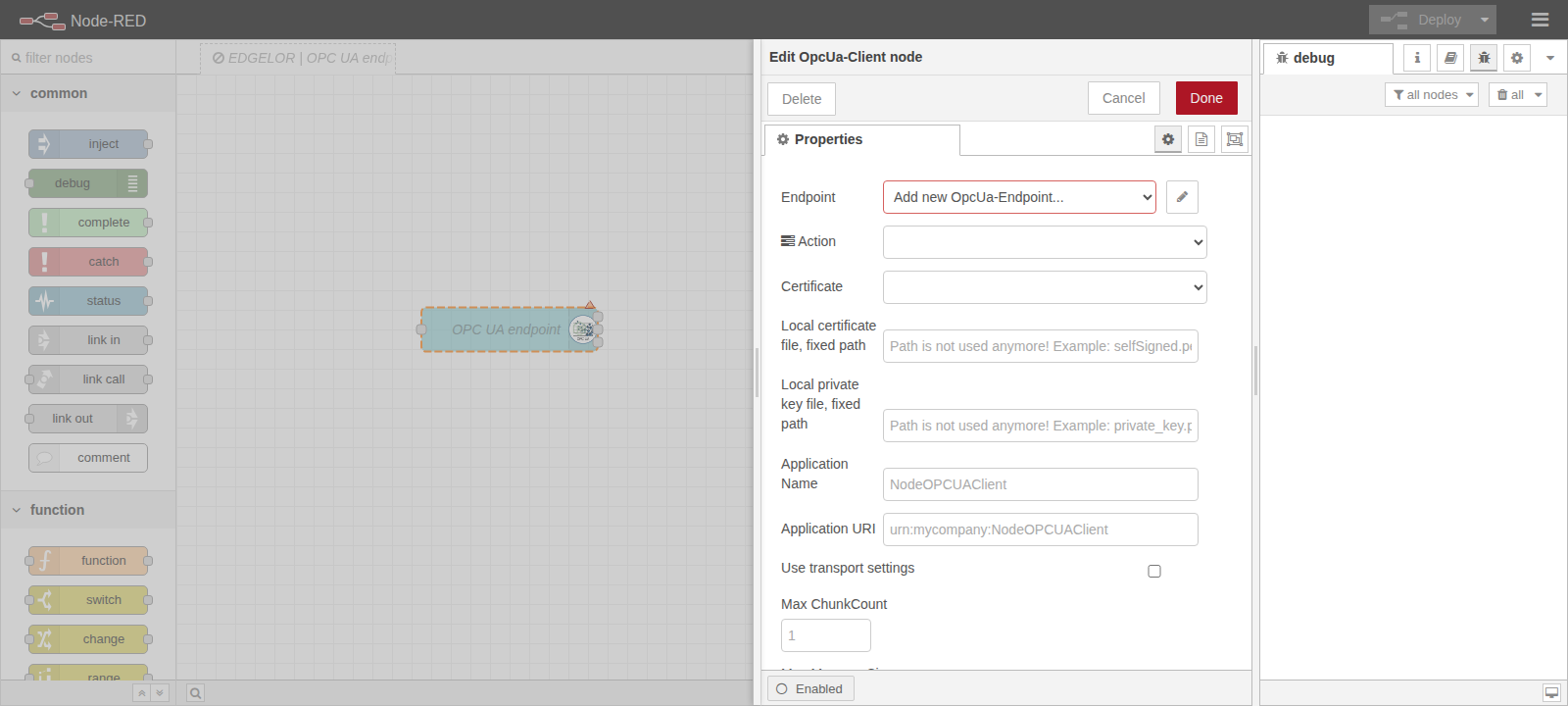 Enlarge diagram +
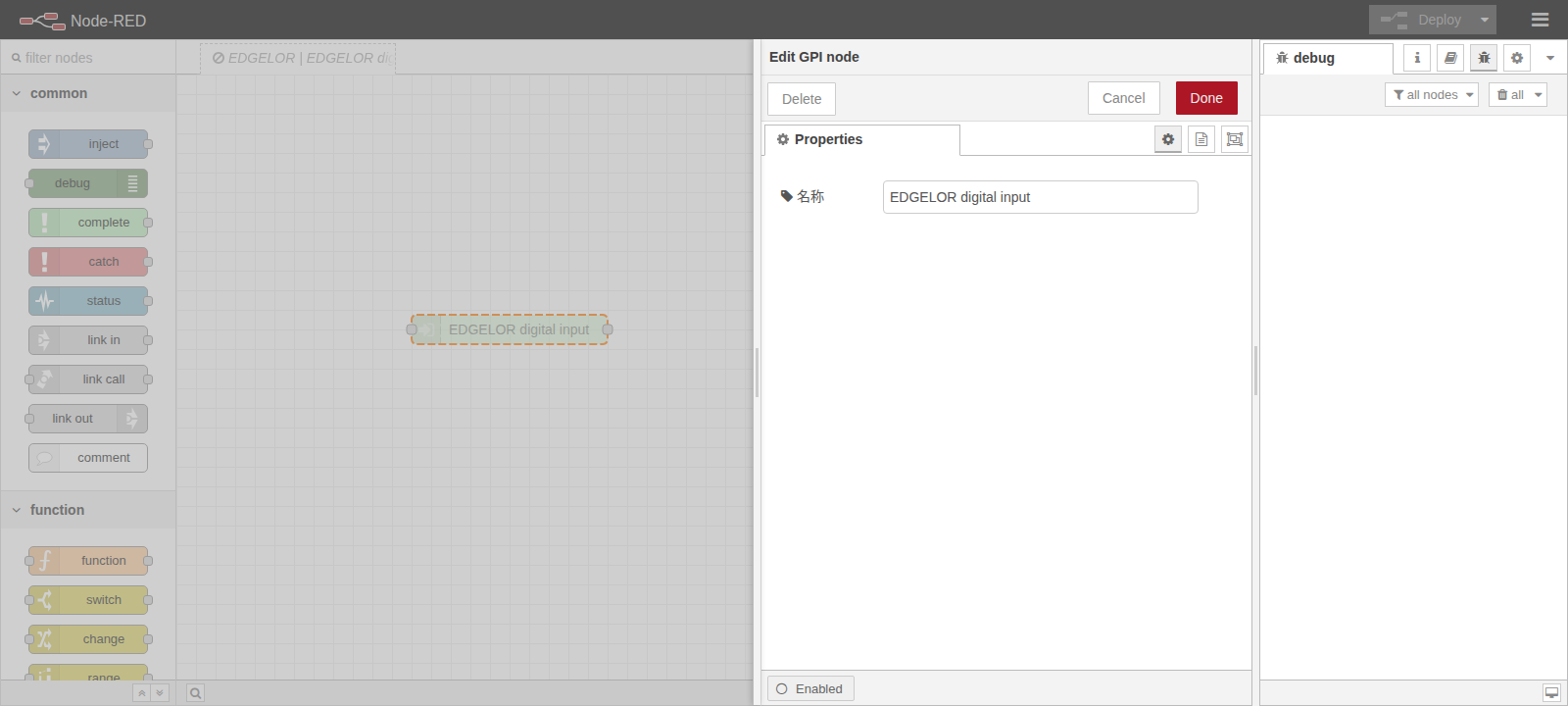 Enlarge diagram +