Product comparison
Choose by the details that matter
Compare up to three models by interfaces, cellular options, local software and installation. Start with a pair below or choose your own models.
Catalogue specifications for all 14 models.
Scroll the table horizontally on a narrow screen. Changing a model updates the page URL so you can share your selection.
| Model | 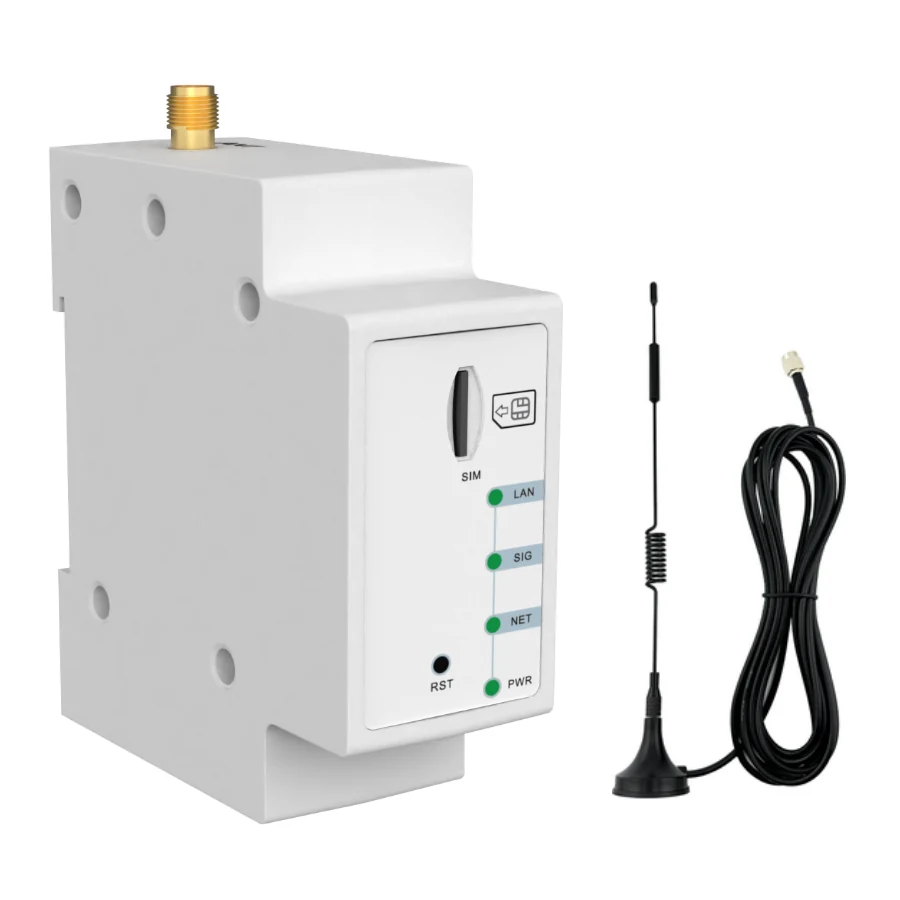 YZWK001Compact Cat 1 serial router | 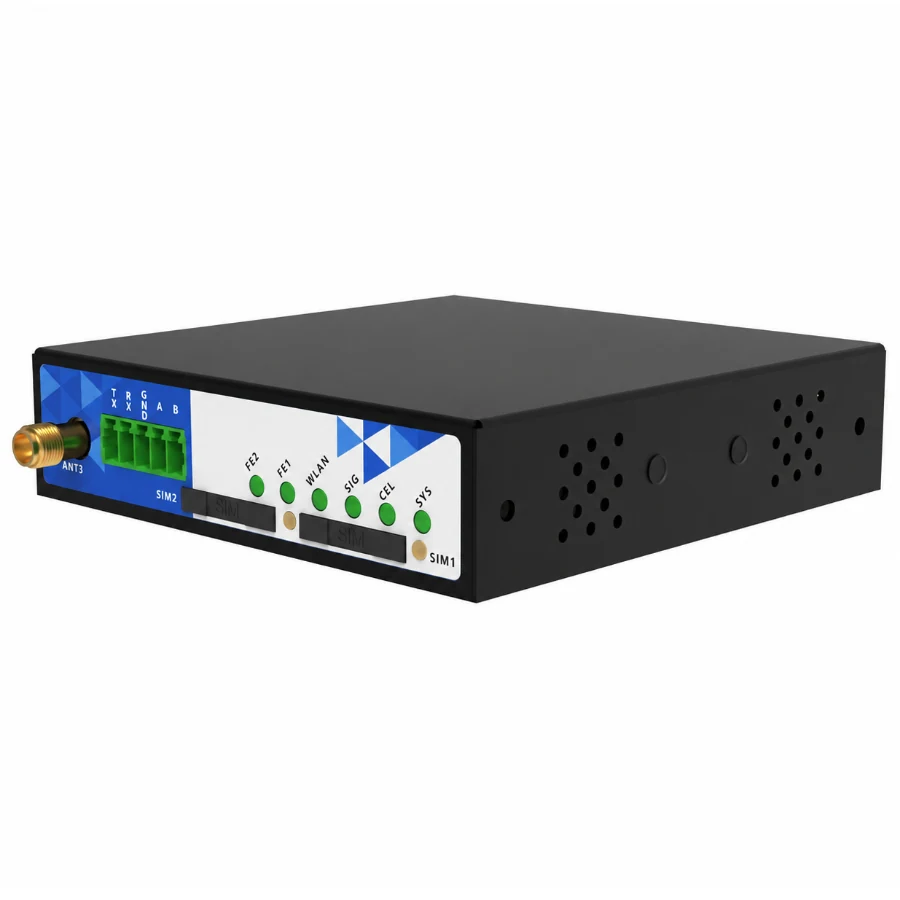 YZW1010Dual-port cellular router | 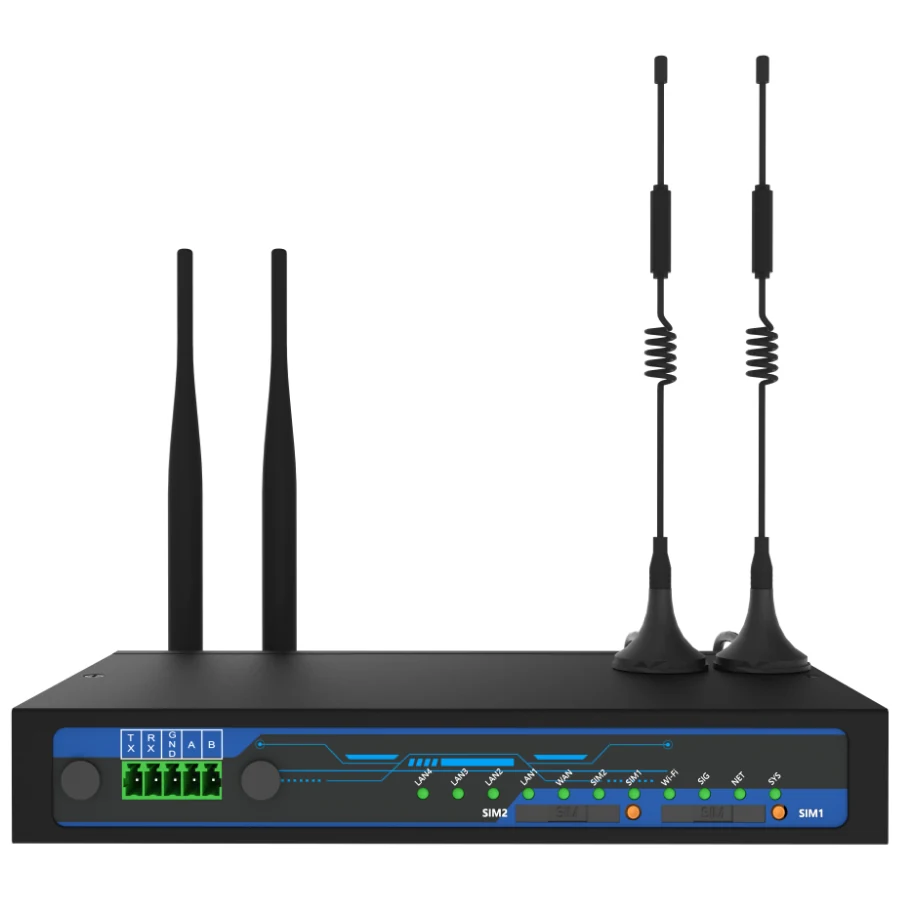 YZW350LFive-port LTE router | 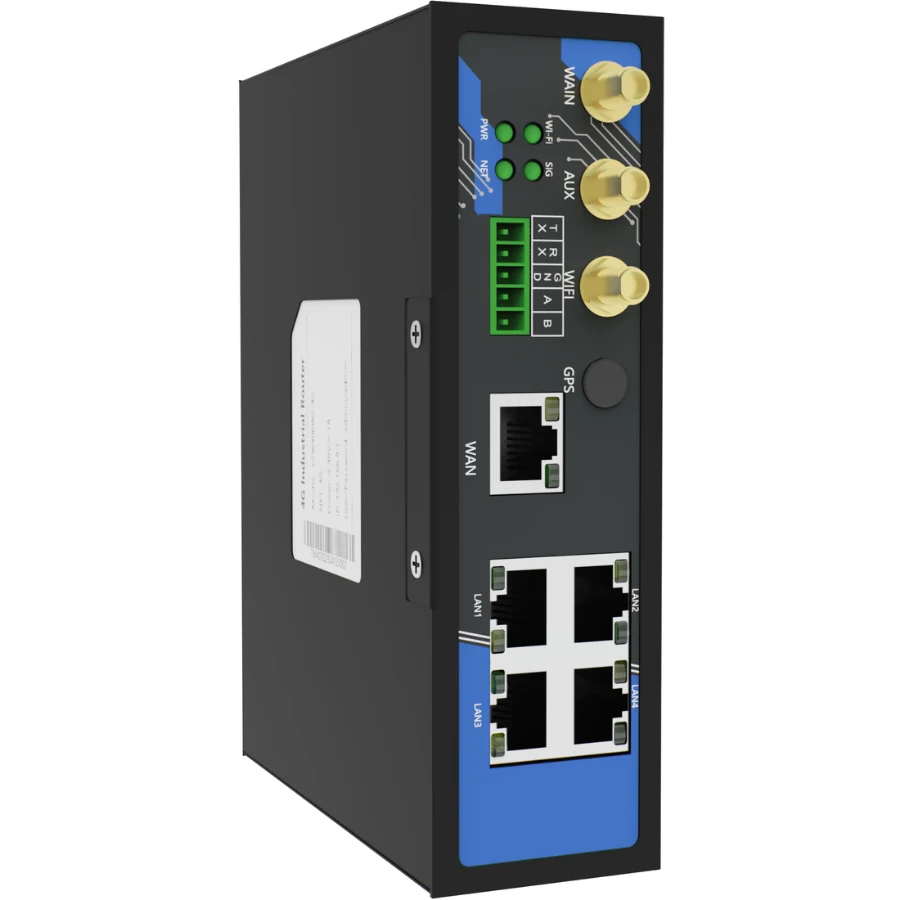 YZW400Cellular router for machine networks | 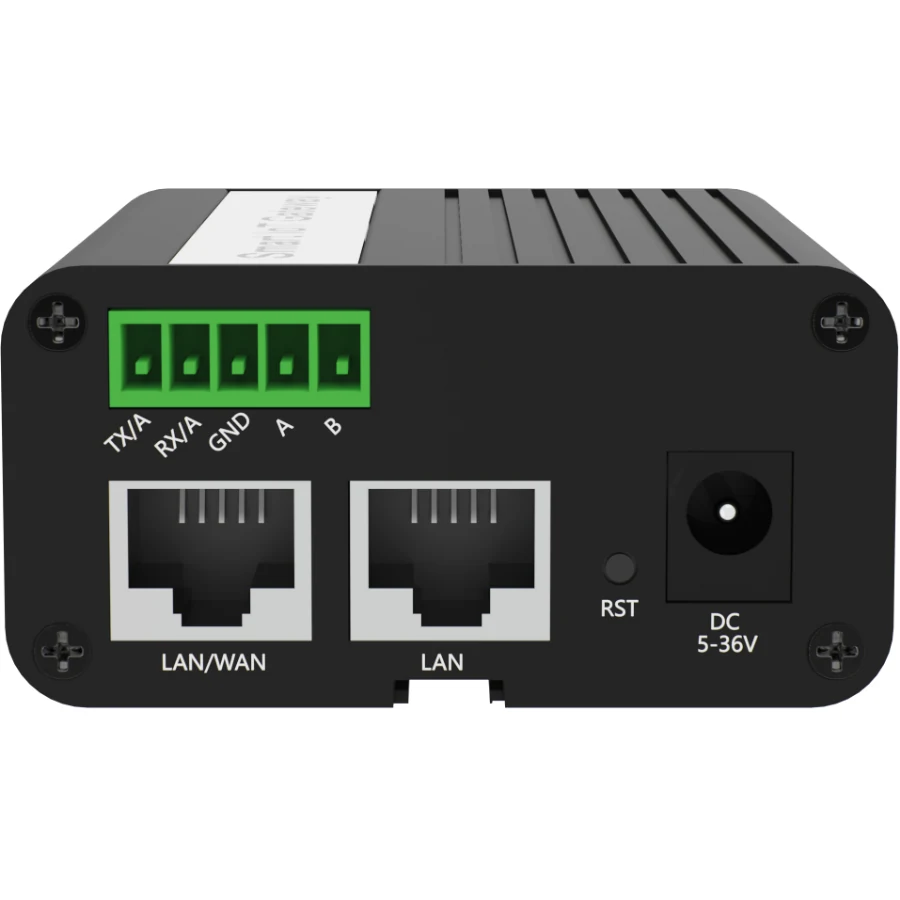 YZW280Compact Gigabit cellular router | 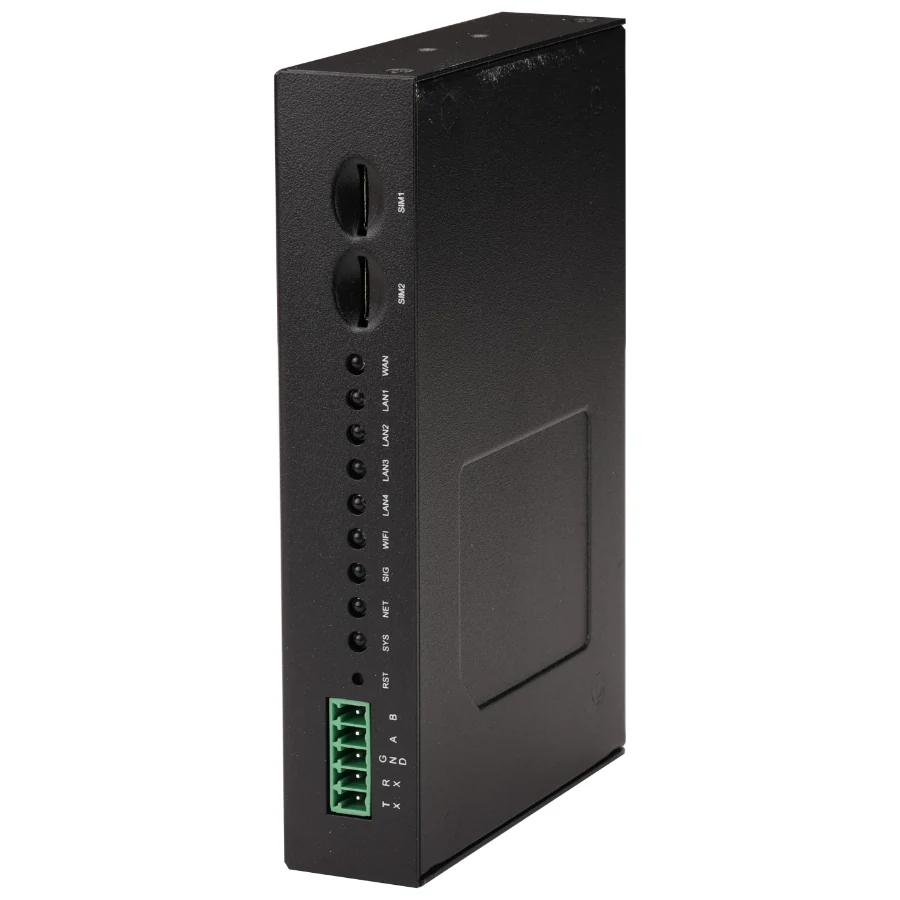 YZW380Five-port Gigabit cellular router | 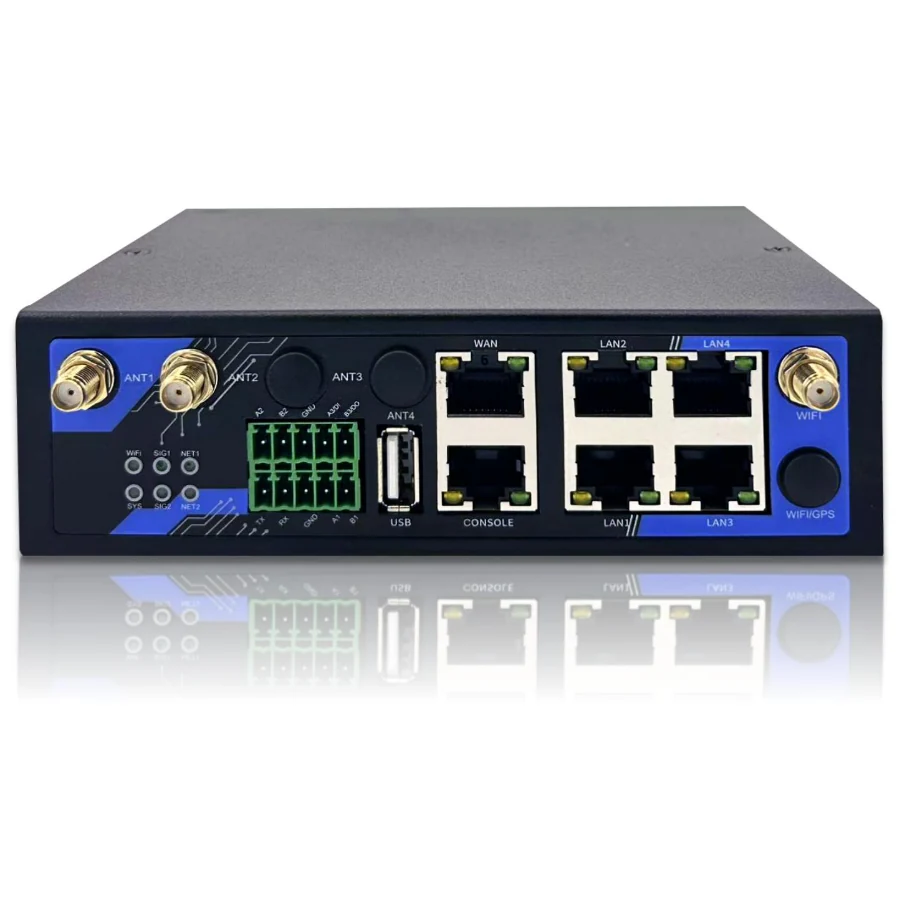 YZW800LDIN-rail Gigabit cellular router | 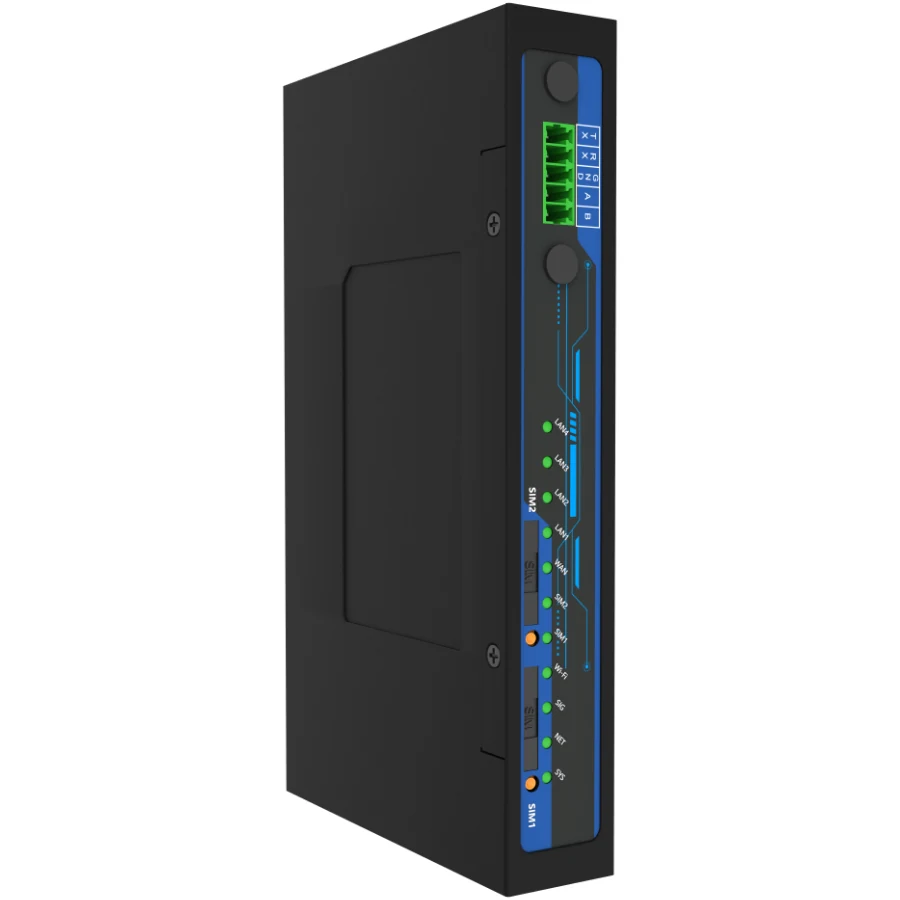 YZW001LGigabit gateway for local workflows | 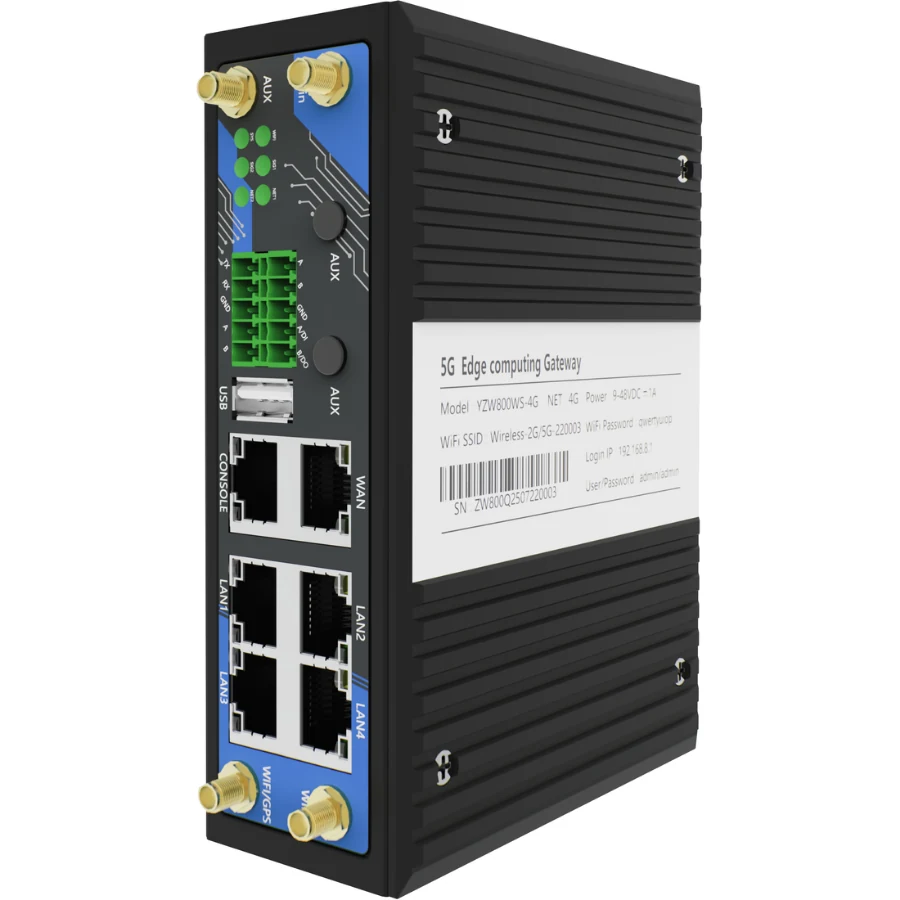 YZW800Four-serial-port edge gateway | 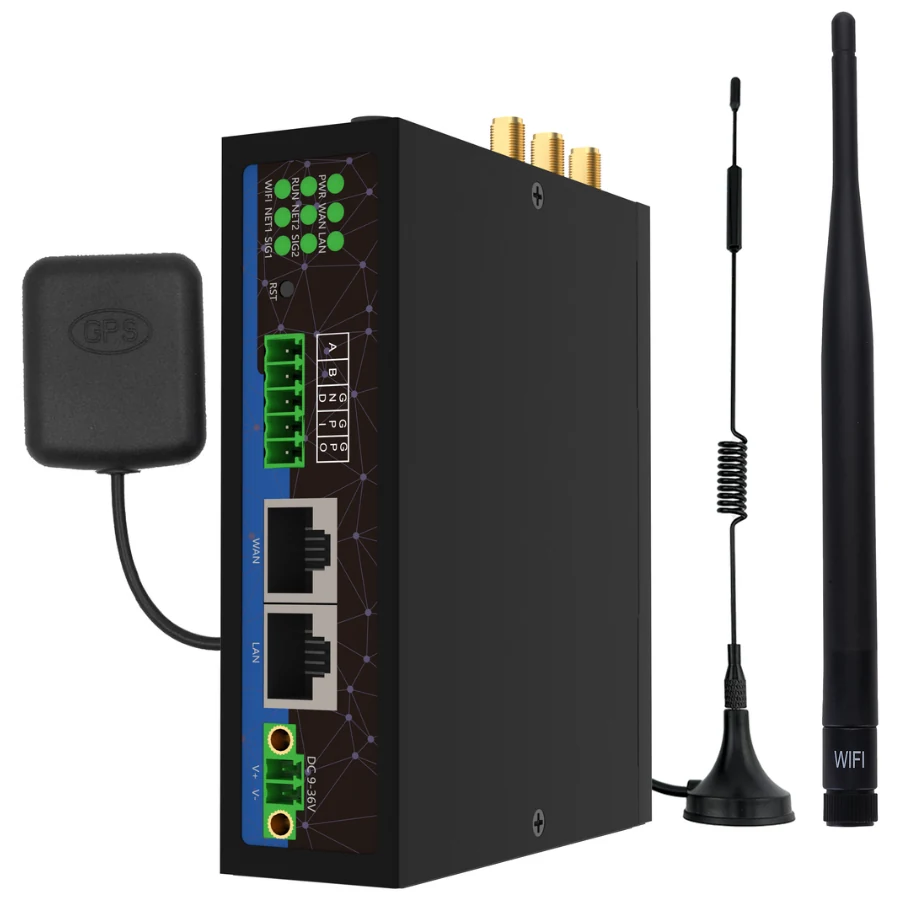 YZW300XLoRaWAN gateway for an external LNS | 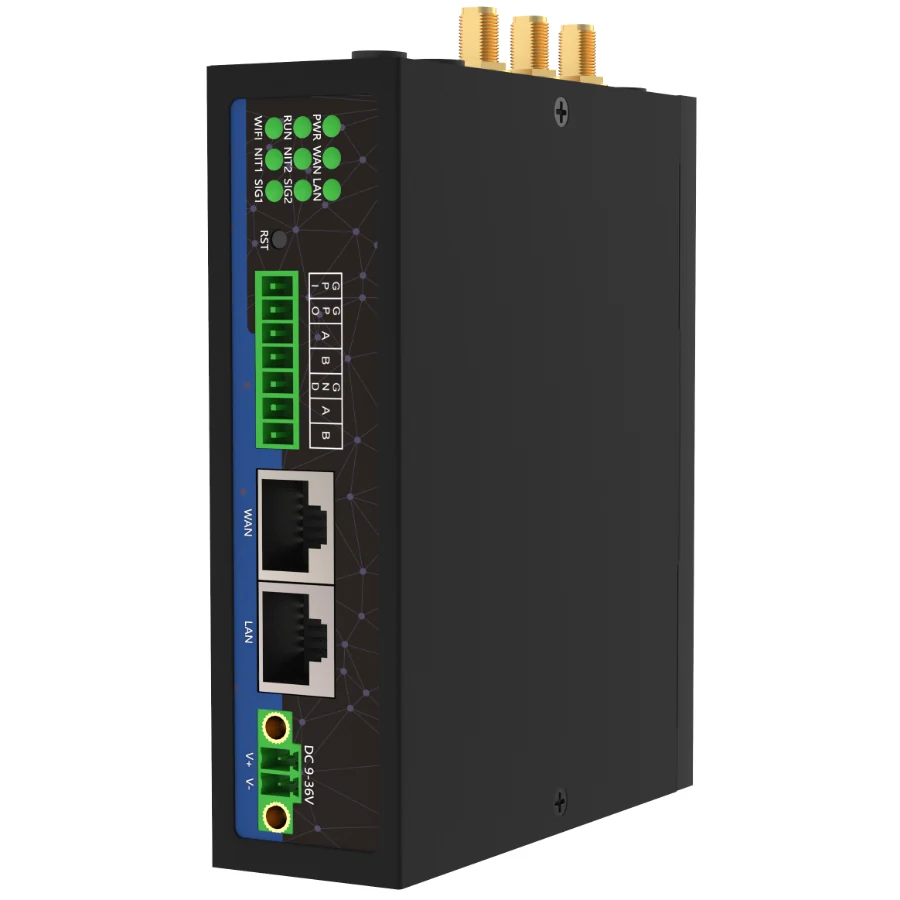 YZW300LIndoor LoRaWAN edge gateway | 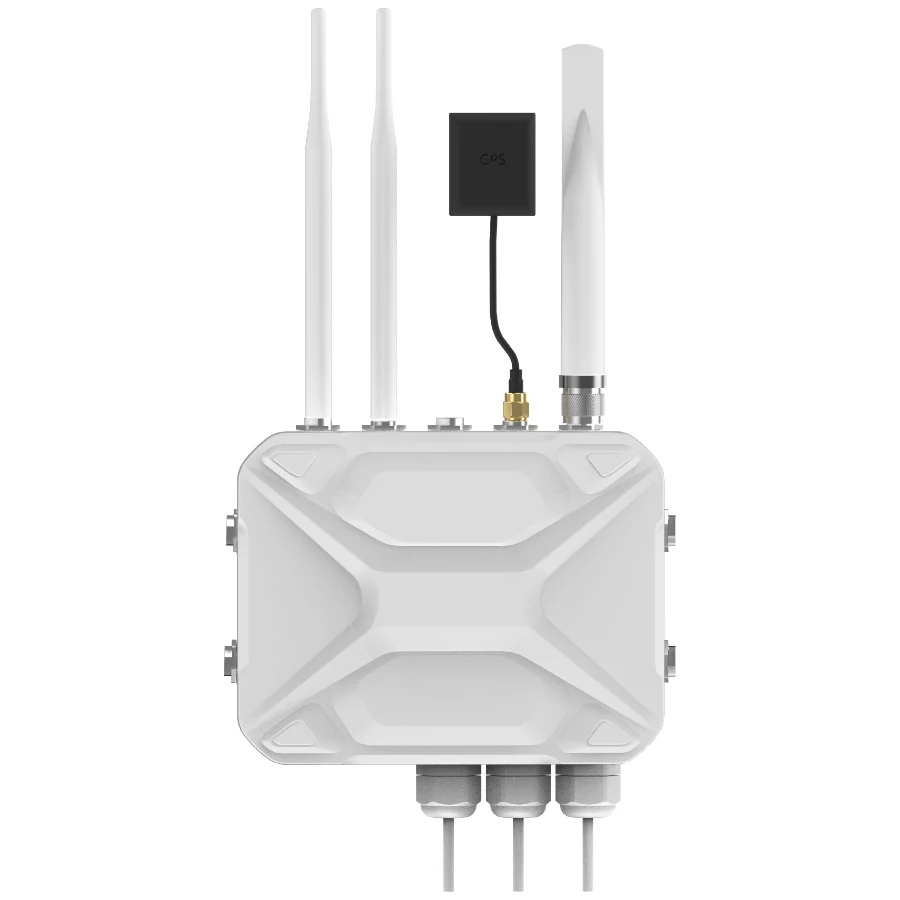 YZW900LOutdoor LoRaWAN edge gateway | 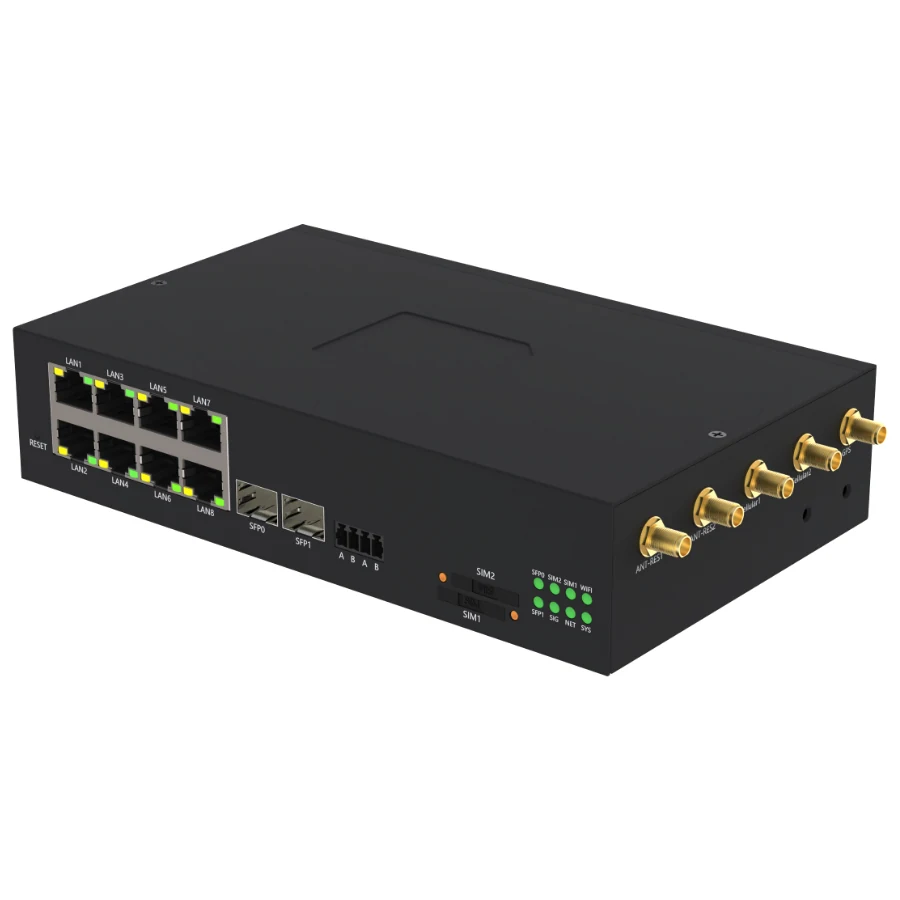 YZW1000Fiber and managed PoE edge gateway | 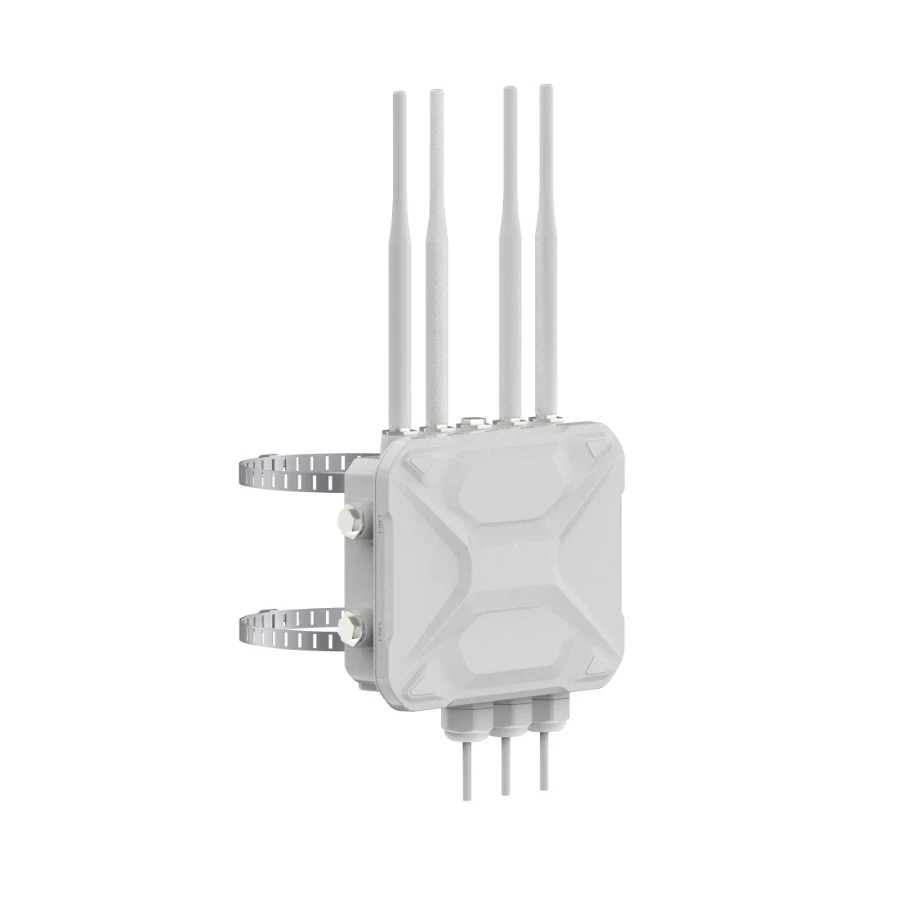 YZW900Outdoor 5G CPE |
|---|---|---|---|---|---|---|---|---|---|---|---|---|---|---|
| Best suited to | Connect a single Ethernet device or a serial instrument where cabinet space is limited. | Bring Ethernet equipment and serial instruments onto a managed remote network. | Connect a machine network and its serial instruments through cellular or site Ethernet. | A five-port router with serial access, available in ordered 4G or 5G configurations. | A compact route into Ethernet equipment with two serial interfaces for field instruments. | Build a wired equipment network with cellular access and two independent serial ports. | Aggregate Ethernet and serial equipment in a control cabinet. | Acquire instrument and PLC data, process it locally and connect the application platform. | Connect several instruments through independent physical ports and build local data workflows. | Forward regional LoRaWAN traffic to a network server that you operate or select. | Run a local LoRaWAN network server and connect radio or serial data to your application. | Connect distributed outdoor sensors through a local network server and IP backhaul. | Combine fiber uplinks, Ethernet endpoints and serial acquisition in an engineered cabinet. | Provide cellular IP access for outdoor sites and connected Ethernet equipment. |
| Ethernet | 1 × 10/100 Mbps LAN | 2 × 10/100 Mbps | 5 × 10/100 Mbps | 5 × 10/100 Mbps | 2 × Gigabit RJ45 | 5 × Gigabit RJ45 · default 1 WAN + 4 LAN | 5 × Gigabit RJ45 | 5 × Gigabit RJ45 · default 1 WAN + 4 LAN | 5 × Gigabit RJ45 | 2 × 10/100 Mbps | 2 × Gigabit RJ45 · 1 WAN + 1 LAN | 2 × Gigabit RJ45 | 2 × Gigabit SFP + 8 × Gigabit RJ45 | 3 × Gigabit RJ45 |
| Serial / I/O | 1 × RS232 or RS485, selected when ordering | 1 × RS232 + 1 × RS485 | 1 × RS232 + 1 × RS485 | 1 × RS232 + 1 × RS485 | 2 × RS485; one can be ordered as RS232 | 1 × RS232 + 1 × RS485 | 1 × RS232 + 1 × RS485 | 1 × RS232 + 1 × RS485 | 1 × RS232 + 3 × RS485 | 1 × RS485 + 1 × DI + 1 × DO | 2 × RS485 + 1 × DI + 1 × DO | 1 × internal RS485 + 1 × DO | 3 × RS485: 2 external + 1 internal | No RS232, RS485 or DI/DO |
| Cellular options | 4G LTE Cat 1 | Cat 1 or Cat 4 by order | 4G LTE Cat 4 | 4G LTE Cat 4 or 5G Sub-6 by order | 4G LTE; other options by order | 4G LTE; other options by order | 4G LTE; other options by order | 4G standard; complete-unit 5G hardware option | 4G or 5G configuration | 4G LTE; configuration by order | 4G shown; 5G by order | 4G LTE | 4G standard; 5G option without Wi-Fi | 5G illustrated; 4G by order |
| SIM | 1 × Nano SIM | Dual SIM · one modem | Dual SIM | Dual SIM | Single SIM | Dual Nano SIM · one modem | Dual SIM · one modem | Dual SIM · one modem | Dual SIM · one modem | Dual SIM | Dual SIM · one modem | Dual SIM · one modem | Dual SIM · one modem | Dual SIM · one modem |
| Input power | 9–35 V DC | 9–36 V DC | 9–36 V DC · barrel input | 9–36 V DC · MX3.0 2×2 | 9–36 V DC · barrel input | 9–36 V DC · barrel input | 9–36 V DC · MX3.0 2×2 | 9–36 V DC · 9–48 V option | 9–48 V DC · MX3.0 2×2 | 9–36 V DC · 2-pin terminal | 9–36 V DC · 2-pin terminal | 9–48 V DC | Dual 12–55 V DC inputs · PSE requires 52–55 V | WAN: 48 V af/at PoE-PD · no separate DC input |
| Local software | Modbus RTU/TCP · MQTT · VPN | Modbus RTU/TCP · MQTT · VPN | Modbus RTU/TCP · MQTT · VPN | Modbus RTU/TCP · MQTT · VPN | Modbus RTU/TCP · MQTT · VPN / DMVPN | Modbus RTU/TCP · MQTT · VPN / DMVPN | Modbus RTU/TCP · MQTT · VPN / DMVPN | Node-RED · Modbus / MQTT · PLC drivers by project | Node-RED · Modbus / MQTT · PLC drivers by project | Semtech UDP packet forwarder · external LNS | Local ChirpStack LNS · Node-RED · Modbus / MQTT | Local ChirpStack LNS · Node-RED | Node-RED · Modbus / MQTT · managed PSE | Dual-band Wi-Fi 6 · VPN · optional Node-RED |
| Installation | DIN rail · −30 to 75 °C | Mounting ears / DIN rail · IP30 · −30 to 75 °C | Mounting ears · −30 to 75 °C | DIN rail · −30 to 75 °C | DIN rail · −30 to 75 °C | DIN rail / mounting ears · IP30 · −30 to 75 °C | DIN rail / wall · IP30 · −30 to 75 °C | Mounting ears · IP30 · −30 to 75 °C | DIN rail · IP30 · −30 to 75 °C | DIN rail · IP30 · −30 to 75 °C | DIN rail · IP30 · −40 to 85 °C | Pole mount · IP67 · −40 to 70 °C | Mounting ears / DIN rail · IP30 · −30 to 75 °C | Pole mount · IP67 · −30 to 75 °C |
| Configuration notes |
|
|
|
|
|
|
|
|
|
|
|
|
|
|
| Specifications & setup |
Catalogue specifications are a starting point. Confirm the ordered hardware, regional modem and bands, antennas, software and accessories before purchase. A model family name does not confirm a regional configuration.
Find the right approach for your site
Share your equipment, interfaces and project goals. Discuss a standard model, an integration pilot or a small-batch custom system.